
Word Buzz
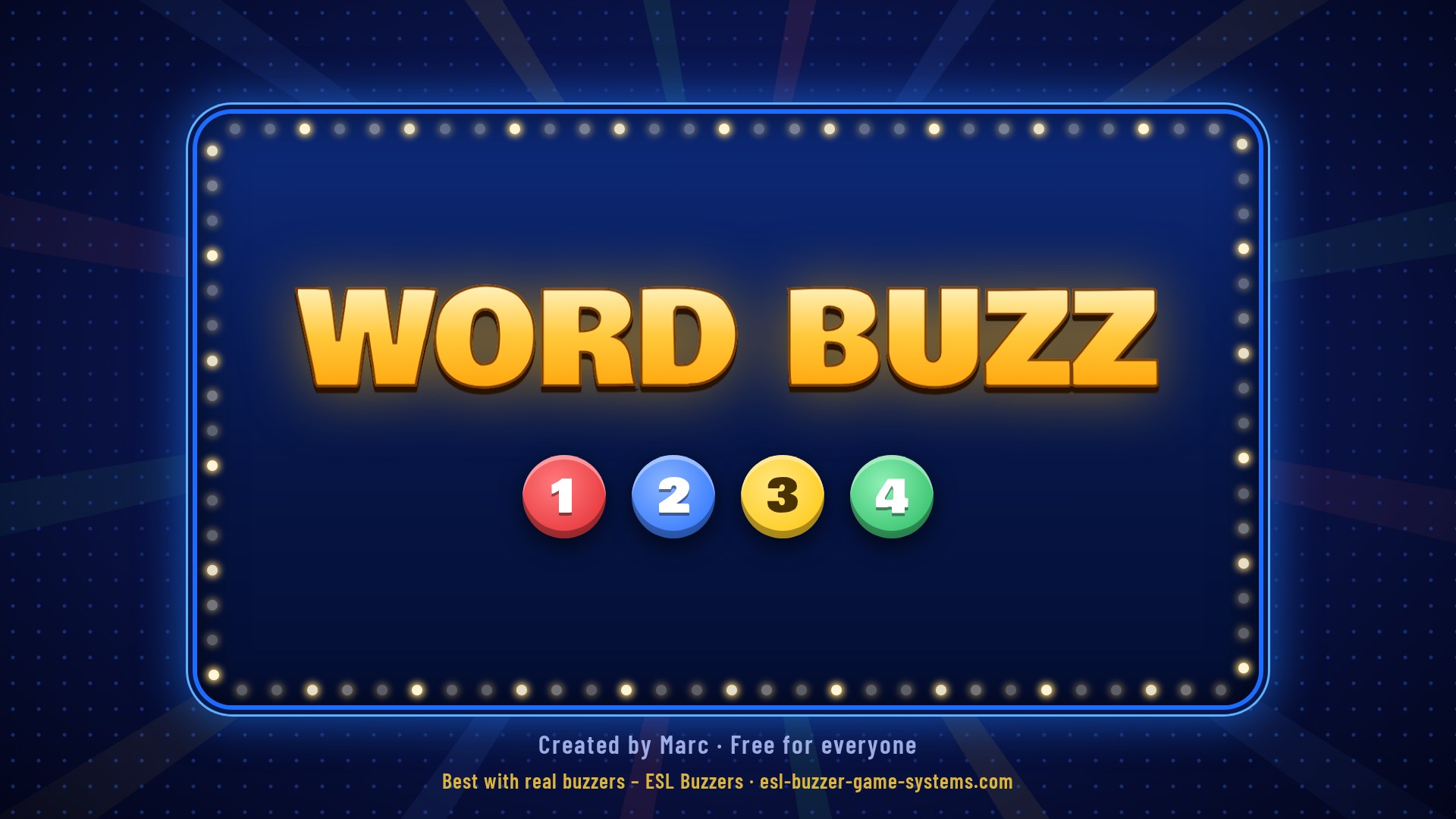
Turn any lesson into a real game show. A word or question appears on the big screen, four coloured answers light up — 1 red, 2 blue, 3 yellow, 4 green — and players race to press the right buzzer. 100% free — no licence key, no trial limits, no catch.
Free for Everyone
- 100% free — no licence, no time limit, every feature included
- Works with our 4-Player Buzzer Game System — red, blue, yellow and green buzzers
- Also works with the keyboard or number pad (keys 1–4) and any USB buzzers that type keys
- 80 ready-made games — Kids ESL, Phonics, Teens, Adults, Exam practice and First Friends 3
- Host screen on your laptop + a game screen for the TV or projector
Download, install and start playing straight away.
Download Word Buzz Opens Google Drive · click the download icon (top right) to save the installerWatch Word Buzz
See the game screen, the buzz-in and the host screen — and how quickly a lesson turns into a game show.
Three Ways to Play
Missing letter · Guess the word · Mix — play a word list for points, or Lives mode until the last team standing.
1 Player
One student answers with all 4 buzzers and earns a score and 1–3 stars.
Take Turns
2 to 4 teams play one after another — on its turn, a team uses all 4 buzzers.
Buzz In
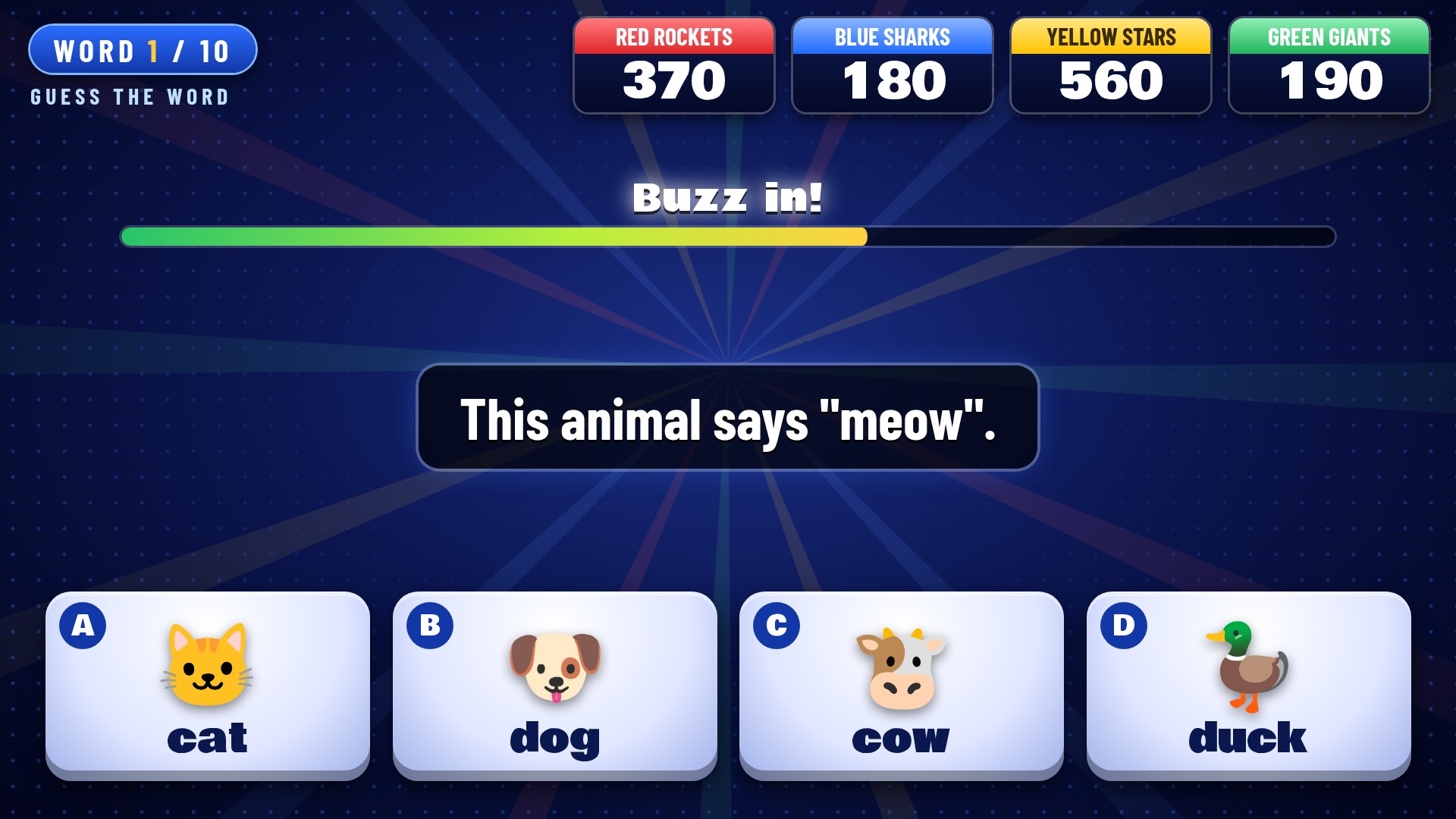
Every team has its own buzzer. First to buzz answers — a wrong team is locked out and the others can steal.
Game & Host Screens







Playing in 8 Steps
From download to your first game show in a few minutes.
Install & Open
Run the installer on your Windows laptop. The 80 ready-made games are copied into Documents › Word Buzz games.
Plug In the Buzzers
Plug in the USB box — the buzzers work straight away as 1 red, 2 blue, 3 yellow, 4 green. Or use keys 1–4.
Open a Game
Click Open… and pick a game like Kids ESL - Animals — or make your own in Edit words.
Choose How to Play
1 player or 2–4 teams · Take turns or Buzz in · Missing letter, Guess the word or Mix · Score or Lives.
Put It on the TV
Click Screen: Off (top right) to open the game screen on your TV or projector.
Start!
Click Ready and players press any buzzer. After 3-2-1, read the word — players press the right colour.
Right or Wrong?
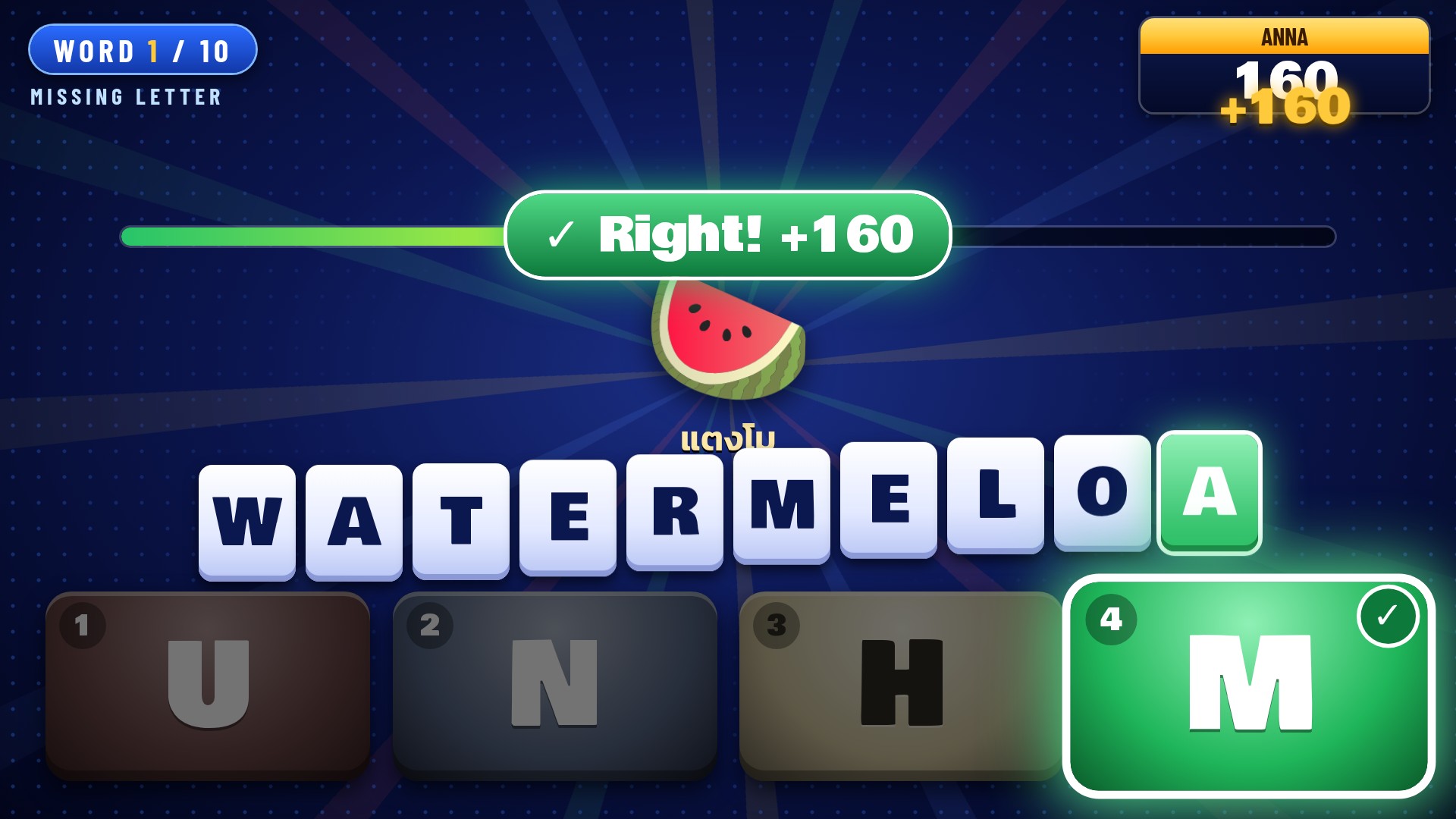
Right answers light up green — faster scores more. In Buzz in, click the answer or press R / W.
The Winner
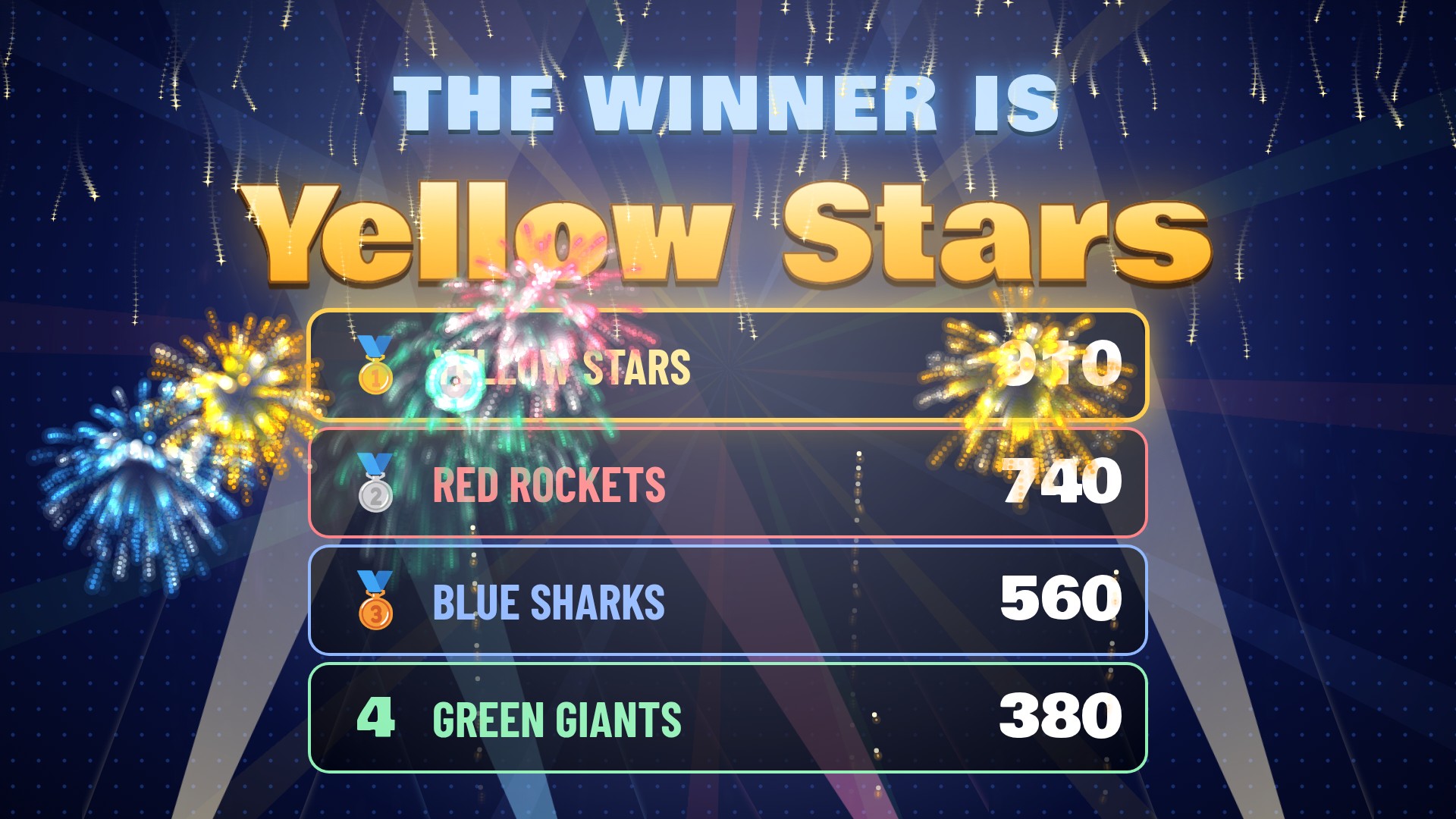
1–3 stars for one player, or a winner screen with fireworks for teams. Click ▶ Start game to play again.
Features of Word Buzz
Missing Letter
B _ N A N A — a word with one letter hidden. Word Buzz picks look-alike wrong letters for you, or you choose them yourself.
Guess the Word
A question or clue with four words to choose from — vocabulary, grammar, phrasal verbs and more. Or mix both types.
80 Ready-Made Games
Kids ESL, Phonics, Teens, Adults (travel, business English, idioms, tenses) and TOEIC / IELTS-style exam practice.
First Friends 3 Packs
A game for every unit of Oxford First Friends 3 — Unit 1 Hello! to Unit 10 Jobs — plus an All Units revision game.
Picture Clues
Every kids and phonics word has a picture, and answers can show pictures too. Built in, so they look the same on every computer.
Thai Translations
Kids games show the Thai word under each picture. Add translations in any language to your own games.
Score or Lives
100 points per answer, up to 100 more for speed, and a bonus for 3 in a row — or Lives mode that gets faster as you go.
Make Your Own Games
Type words in the editor or paste a list from Notepad. Build a library for every class and subject.
Printable Word Lists
Every ready-made game comes with a printable word list, and any game can be exported as a text file.
Timer
Set the seconds per word or turn it off. The last 3 seconds tick down for extra excitement.
Sounds, Music & Cheers
Game-show music, your own MP3s, a buzz-in sound per team, and "Excellent!" cheers after 3, 5 and 10 in a row.
Your School's Name
Change the logo text, add your school name, plus a green-screen mode for videos and online lessons.
Host Screen & Buzzers
Host Screen
- See the right answer before your students do — only you can see it
- R right · W wrong · P pause · S skip · Space next
- Choose which screen the game goes on — full screen or a window
- Change the scores by hand if you need to
- No computer voice — you read the words, just like a real quiz host
Buzzers
- Made for our 4-Player Buzzer Game System — colours match the answers on screen
- Plug-and-play USB — buzzers work like keys 1, 2, 3, 4
- Up to 4 teams with their own names, colours and buzz-in sounds
- Live scores on the big screen, with a winner screen at the end
- Buzzers that send other keys? Press Learn, then the buzzer — done
Any Subject · Any Language
The ready-made games teach English, with Thai under every kids picture. Make your own games for any subject — spelling, science, maths words, history, company training — in any language. Runs on any modern Windows laptop or desktop.
Download Word Buzz — Free
Created by a teacher at Sarasas Rangsit School and free for everyone. For the best game show, play it with our 4-Player Buzzer Game System.