
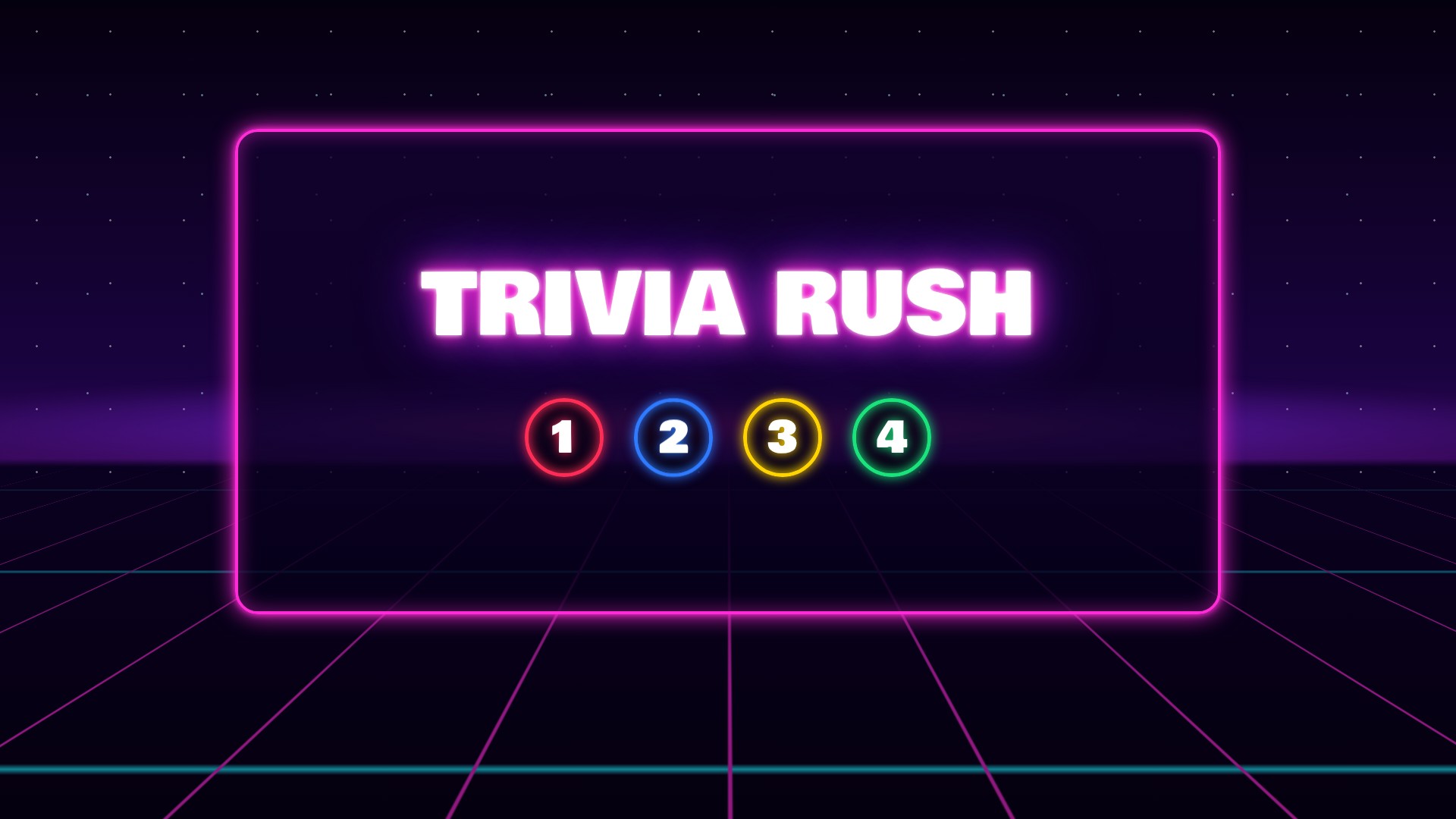
⚡ Trivia Rush
Turn any TV or projector into a real quiz show. Players answer with red, blue, yellow and green buzzers — the answers light up on matching coloured podiums, the clock counts down and the points drop the longer they wait. You run the whole show from your laptop.
Watch Trivia Rush
See real games on the big screen — the categories, the coloured buzzers, the countdown and the winner light show.
A Real TV Quiz Show
Players choose the category, race the clock and press the matching coloured buzzer.
Add the Players
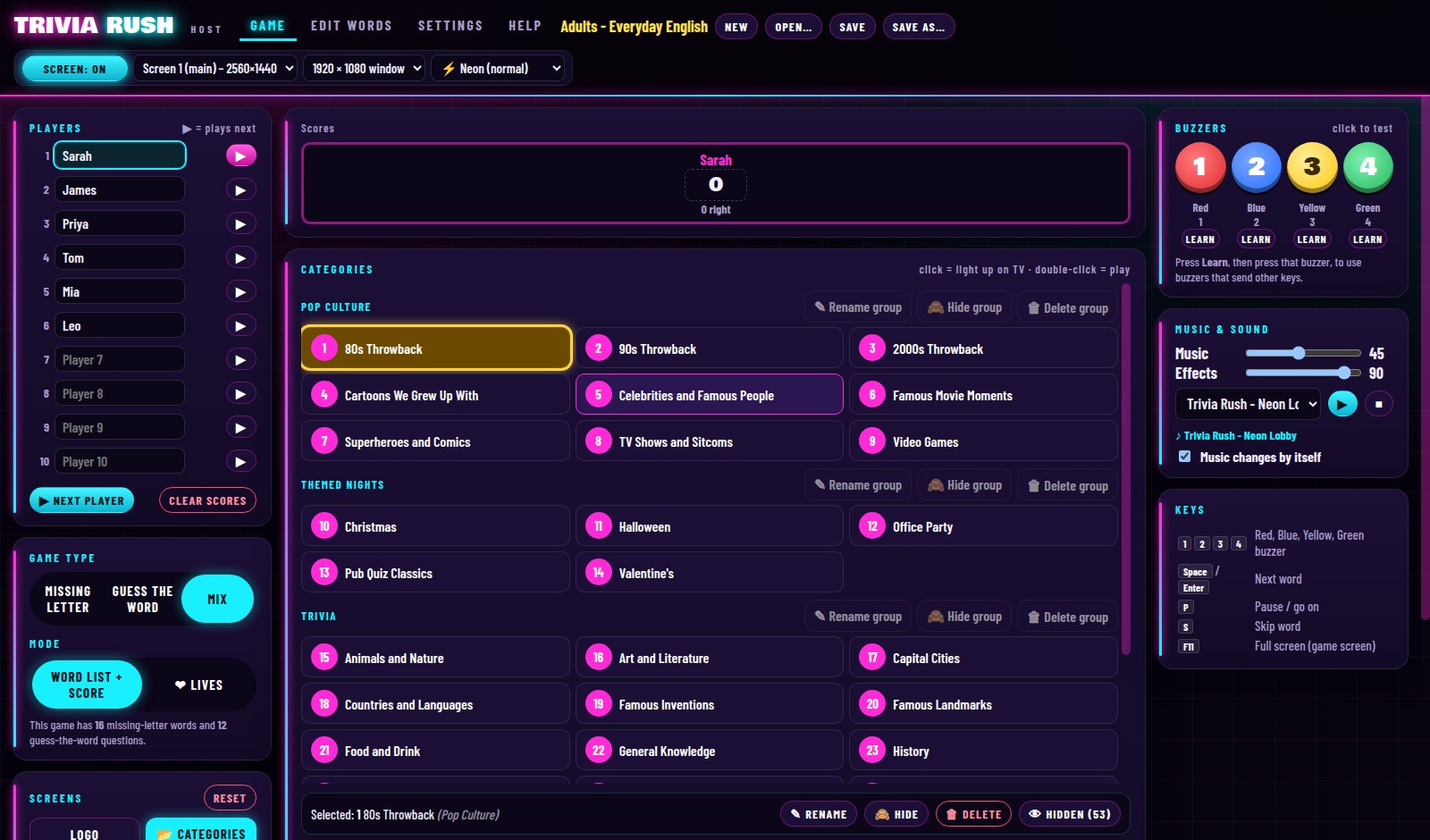
Type in up to 10 players and pick who plays next.
Pick a Category
The TV shows the categories — the player chooses one and you light it up from your laptop.
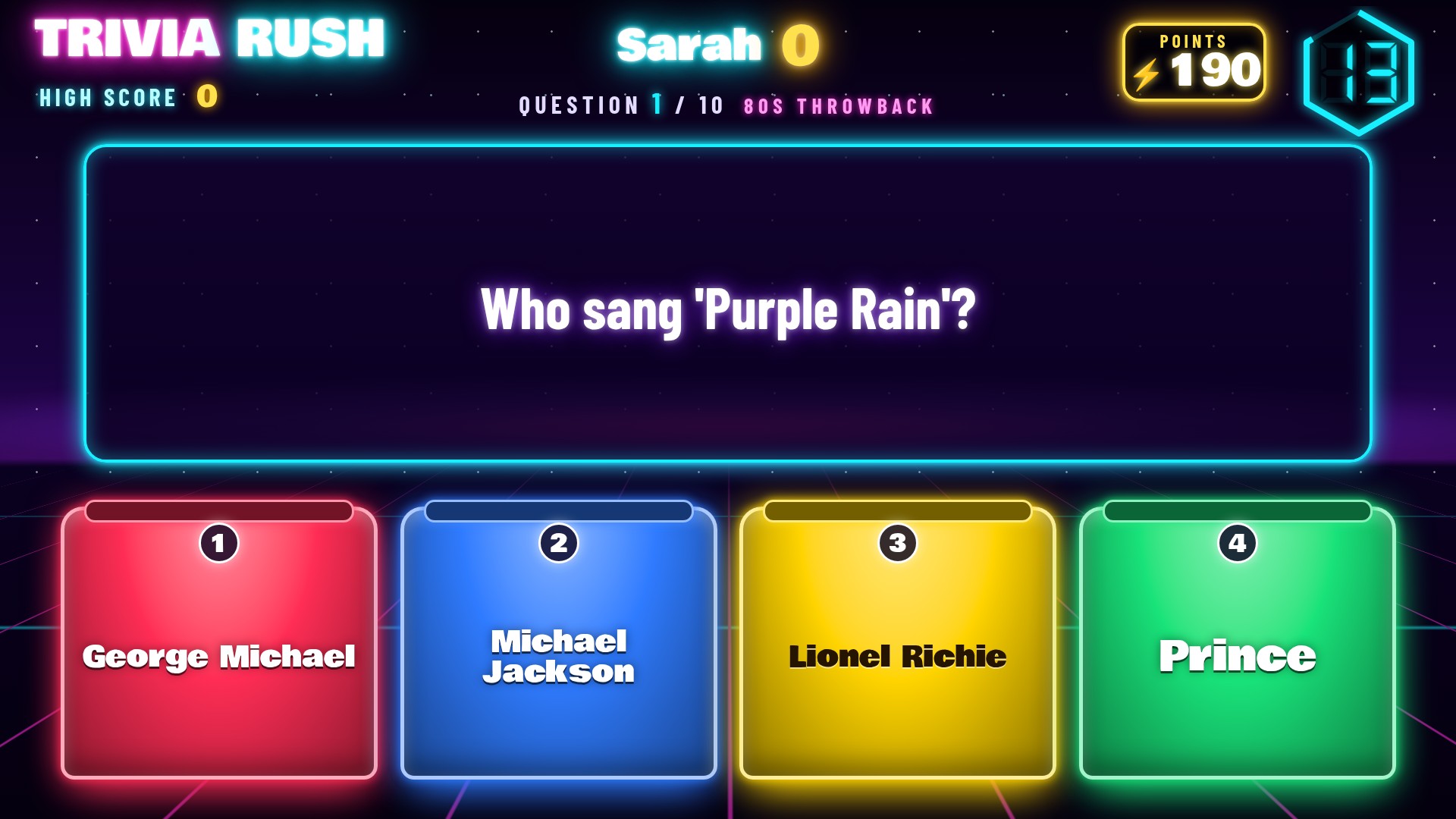
3-2-1… Answer!
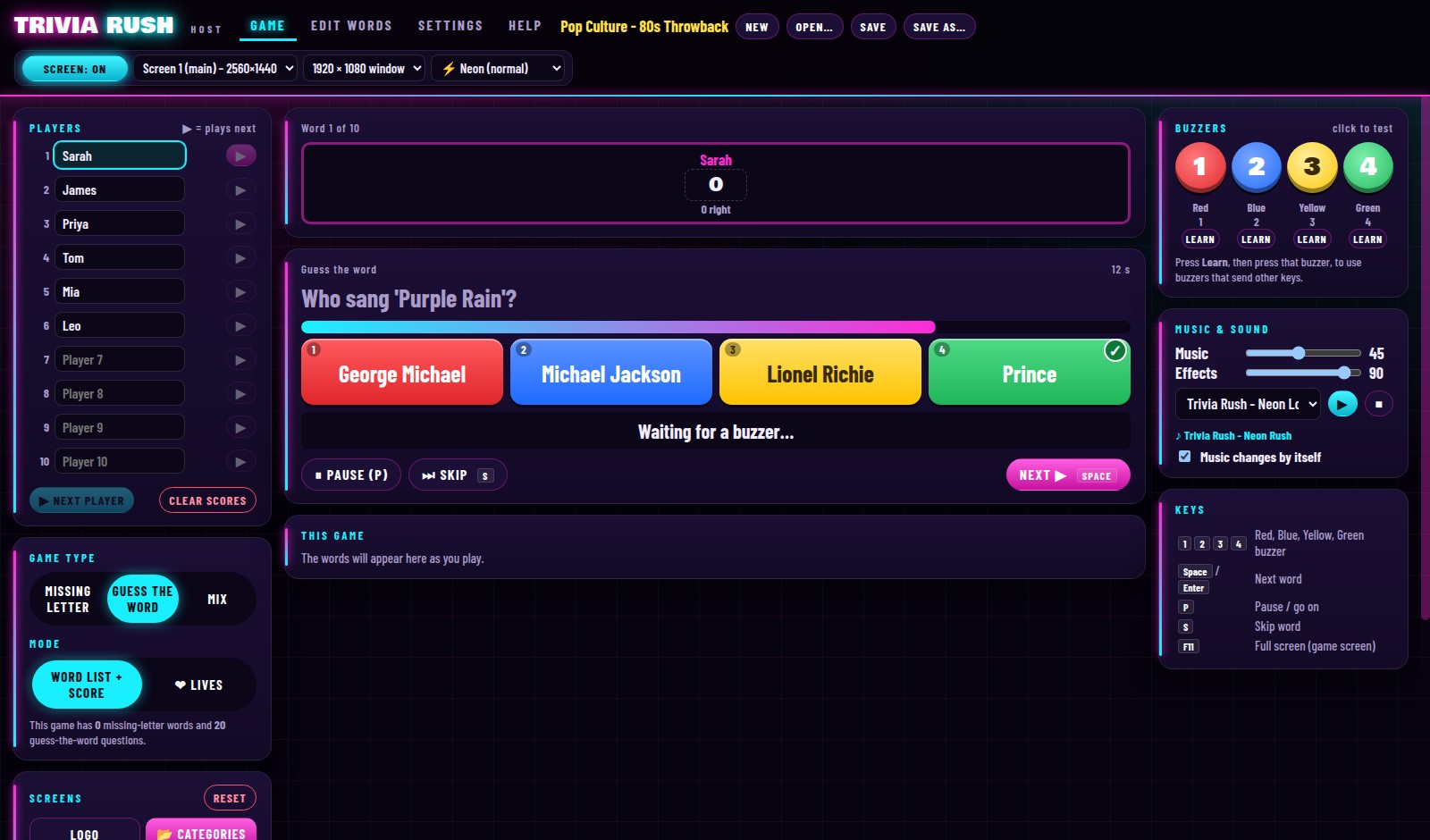
The question appears with 4 coloured answers. The player presses the matching buzzer.
Fast Scores More
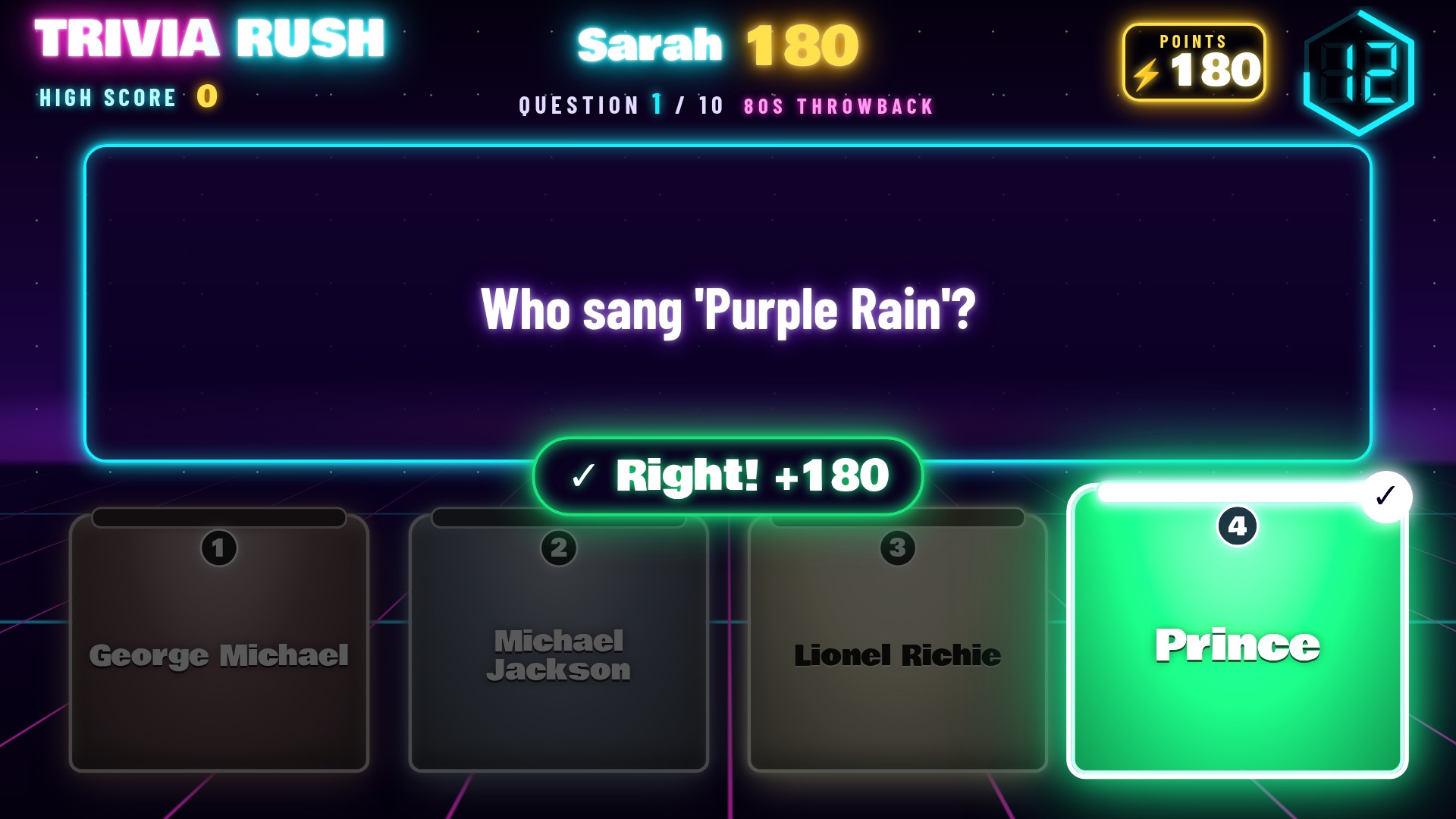
Points drop as the clock runs down, and 3 in a row earns a bonus. Wrong? The right answer is shown.
Players Board
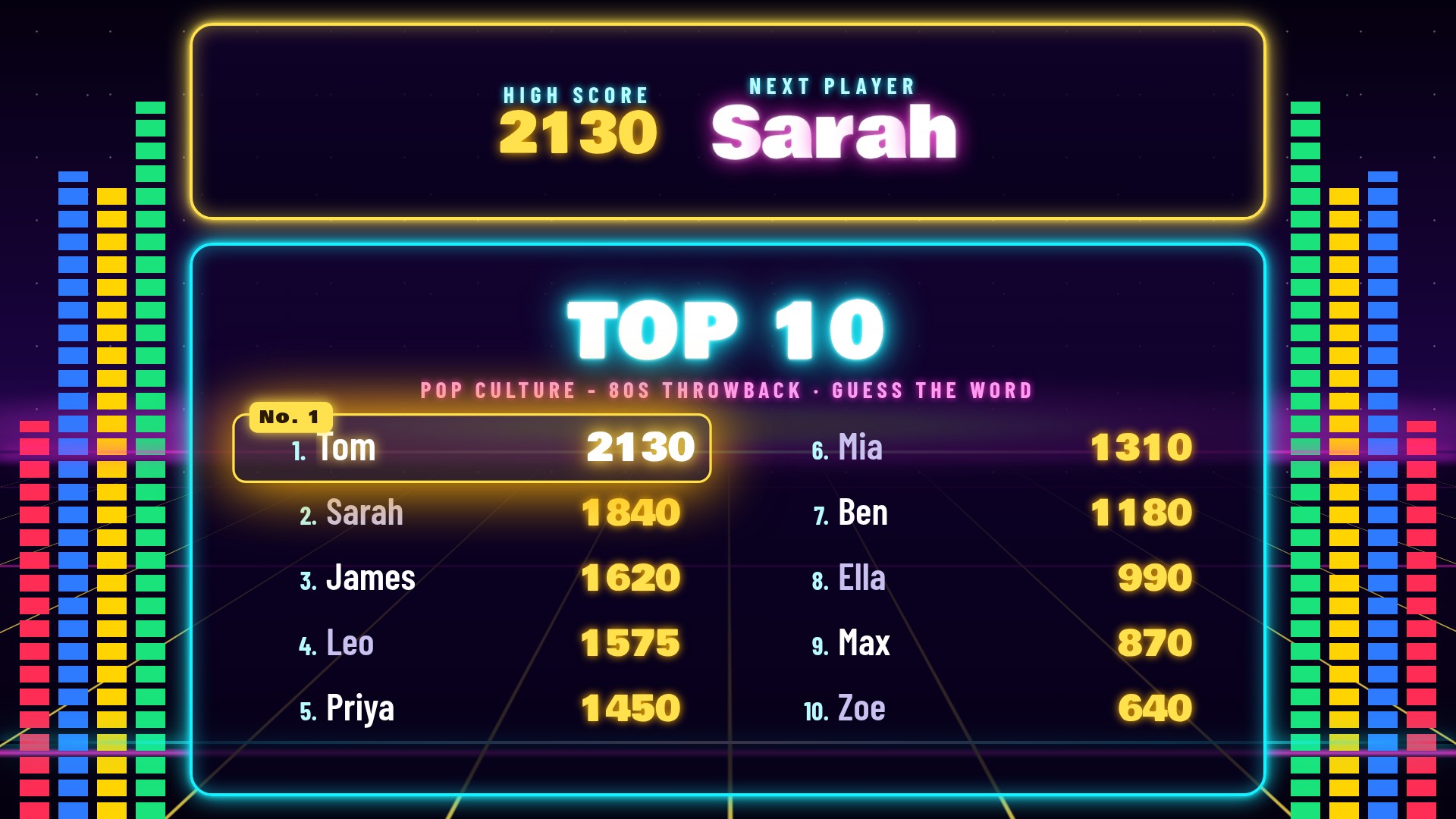
The players board shows everyone's total for the night — and who is next up.
The Winner
Final scores come in one by one, then the winner gets a full-screen light show! 🏆
Players' & Host Screens
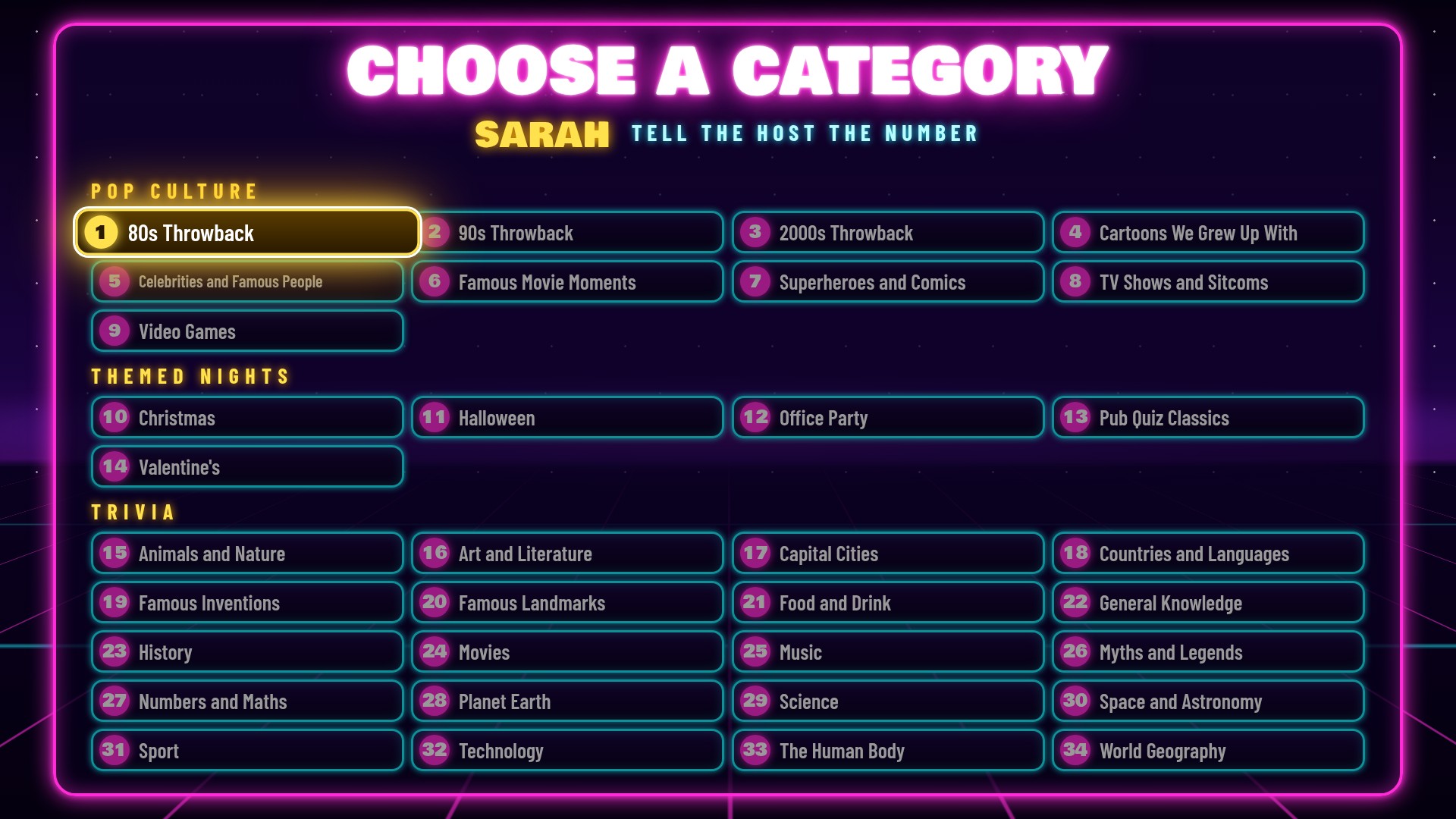





34 Categories · 680 Questions
20 fact-checked questions in every category — and you can add your own categories too.
Trivia (20)
General Knowledge · History · Science · Space · Geography · Capital Cities · Movies · Music · Sport · Food & Drink · Animals · Landmarks · Myths & Legends and more
Pop Culture (9)
TV Shows & Sitcoms · 80s, 90s & 2000s Throwback · Famous Movie Moments · Video Games · Celebrities · Superheroes & Comics · Cartoons We Grew Up With
Themed Nights (5)
Christmas · Halloween · Valentine's · Pub Quiz Classics · Office Party
13 Party Themes
Change the whole look of the TV — snow and Santa's sleigh, bats and a full moon, lanterns for Loy Krathong, water fights for Songkran and more.

Features of Trivia Rush
Neon Game-Show Look
Neon lights, a countdown clock, a 3-2-1 intro and a big glowing "Right!" for every correct answer.
4 Coloured Buzzers
Every answer sits on a red, blue, yellow or green podium. No buzzers? Use keys 1–4.
Up to 10 Players
Type in the names, pick who plays next, and the players board keeps everyone's total for the night.
Your Points, Your Rules
Set the points, speed bonus and streak bonus — or make a hard question worth 500.
Points or Baht
Show scores as points or as ฿, $, £, € and more for a cash-prize game-show feel.
Top 10 for Every Category
Every category keeps its own Top 10 — a leaderboard all night or all term.
Make Your Own Categories
Type a question, the right answer and 3 wrong ones. Import, export or paste whole lists in seconds.
Two Ways to Play
A set number of questions for a score, or Lives mode that gets faster until the lives run out.
Music & Buzzer Sounds
4 original music tracks, a different buzzer sound for every player, and your own MP3s.
Host & Player Screens
The players' screen goes full screen on the TV while you run the show from the host screen.
Learn Any Buzzer
Buzzers that send other keys? Press "Learn", press each buzzer, and Trivia Rush remembers it.
Works Offline
Type in your licence code once — no internet needed on quiz night. Built-in Help tab included.
Play With Our 4-Player Buzzers
Big red, blue, yellow and green buzzers that match the 4 answers on the TV. Any USB buzzers that type 1–4 work too.

Works on Windows & Mac
Trivia Rush runs on Windows PCs and Macs, and works with every Bangkok Buzzers buzzer system and USB button — plug in and play.
Windows
- Windows 11 or Windows 10 (64-bit)
- Any laptop or desktop PC
- A TV or projector (HDMI) — or play in a window on one screen
Mac
- macOS 12 Monterey or newerMonterey, Ventura, Sonoma, Sequoia and later
- Apple Silicon MacsM1, M2, M3 and M4 — MacBook Air, MacBook Pro, iMac, Mac mini, Mac Studio
- Intel MacsAny Intel Mac that can run macOS 12 Monterey or newer
Get Trivia Rush
Turn any TV into a neon quiz show for parties, classrooms, offices and quiz nights — on your Windows PC or Mac.